If your teacher can't see you then it could be that you have not allowed or not activated the webcam on your laptop / pc, or perhaps that another application is using your webcam. To test that your webcam is working do the following:
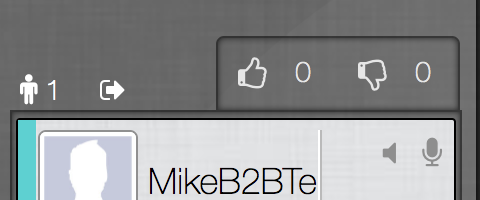
IMPORTANT: Before you continue it is important to make sure you are on a laptop or PC and are using one of the latest Chrome Browsers. If you are not using a Chrome Browser leave the Classroom by clicking on the 'exit through door' image near the top left of your screen, then open up a Chrome Browser then try again.
If you are on a laptop / pc using one latest Chrome Browsers do the following:
- Leave the classroom by clicking on the exit through door image near the top left of your screen as in the following image:
-
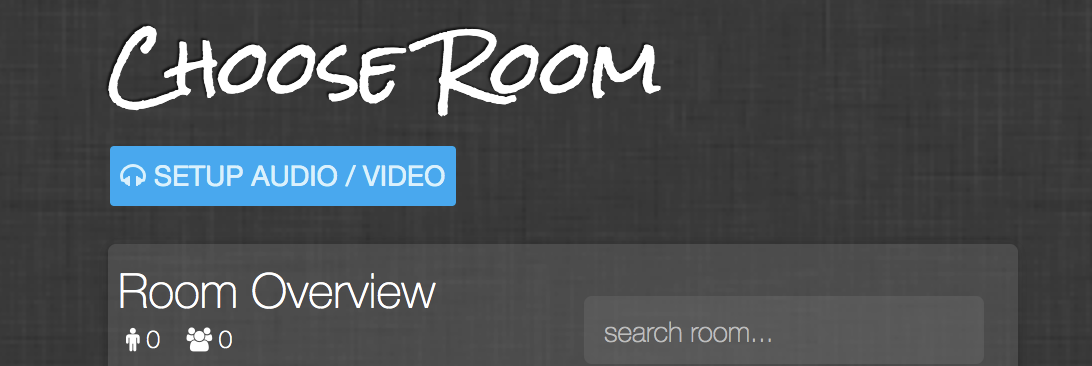
- You should now see the 'Choose Room' screen. If not refresh your screen and it should appear
-
- Click on the blue 'SETUP AUDIO/VIDEO' button just under the 'Choose Room' page heading as in the following image:
-
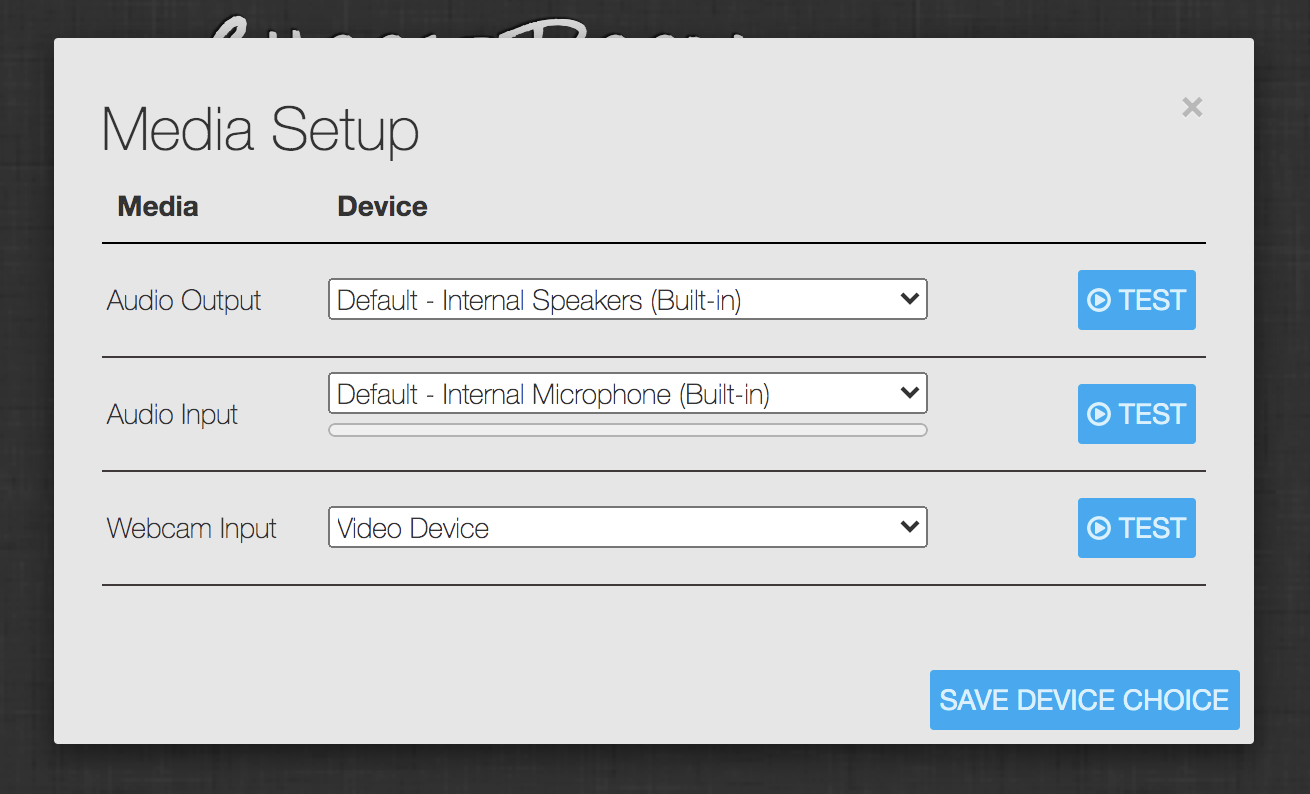
- The 'MEDIA SETUP' pop-up should now appear as per the following image:
- The 'MEDIA SETUP' pop-up should now appear as per the following image:
-
- Select the 'Webcam input' by clicking on the 'Video input' drop down
- You would normally see 1 possible option in this drop down, if more than 1 select the one you wish to use, and if you can't see any then your webcam is not working, or more unlikely it may not be suitable for using with the Classroom
- Click on the blue 'TEST' button to the right of the 'Webcam input' drop down and following the instructions on the screen - IMPORTANT: Note that you may see a pop up asking if the Classroom can 'Use your webcam' - ALWAYS reply yes to this when on the Classroom. If any other pop-ups appear also asking if the Classroom can use your webcam, e.g. from your anti-virus software, also say yes to this as well.
- You should now see yourself on the Media Setup screen and if so the Classroom should now work - If not try one or both of the following in order:
- Google Chrome Help - Use your camera or microphone
- Re-booting your system, and try the same test process again.
- You should now see yourself on the Media Setup screen and if so the Classroom should now work - If not try one or both of the following in order:
0 Comments